
Dynamic Permissioning with a Groups Claim
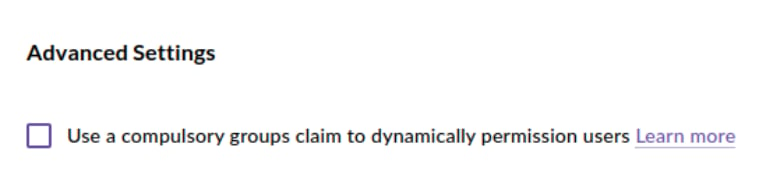
CreateiQ provides a method of managing your users' permissions using a groups claims provided by your corporate directory.
When this option is enabled, CreateiQ will disallow any SSO logins that lack a claim called 'groups' in the SAML Response from the SSO Identity Provider that you configure for your organisation in CreateiQ.
Technical Requirements
Exact name of the expected claim in SAML Responses:
groupsExpected group names:
Exactly one group name beginning
Role_:- Role_Super_manager
- Role_Manager
- Role_Read_only_manager
- Role_Editor
- Role_Approver
Zero to many group names beginning
Ws_: These should be followed by the UUID of the CreateiQ Workspace(s) that a user should be able to access.An easy way to view the UUIDs of all workspaces that exist in your account is to review the response of the
context API call for a Super Manager user in CreateiQ when the application is refreshed. They're referenced as subAccounts.Note: Group name prefixes are case-sensitive:
Role_ and Ws_ exactly. If your corporate directory does not allow hyphens in group names, the hyphens within the workspace UUID may be replaced with underscores (e.g. Ws_019d6354_c602_508e_9179_d59007ed85a9).Note: For the Super Manager role, which implicitly has access to all workspaces, the
Ws_ groups will be ignored.More information coming soon
This document is an early draft. We're working closely with CreateiQ customers that requested this feature to apply it in their organisations. If your organisation is interested in using this feature please reach out to support@createiq.tech before activating it so that our team can support you.