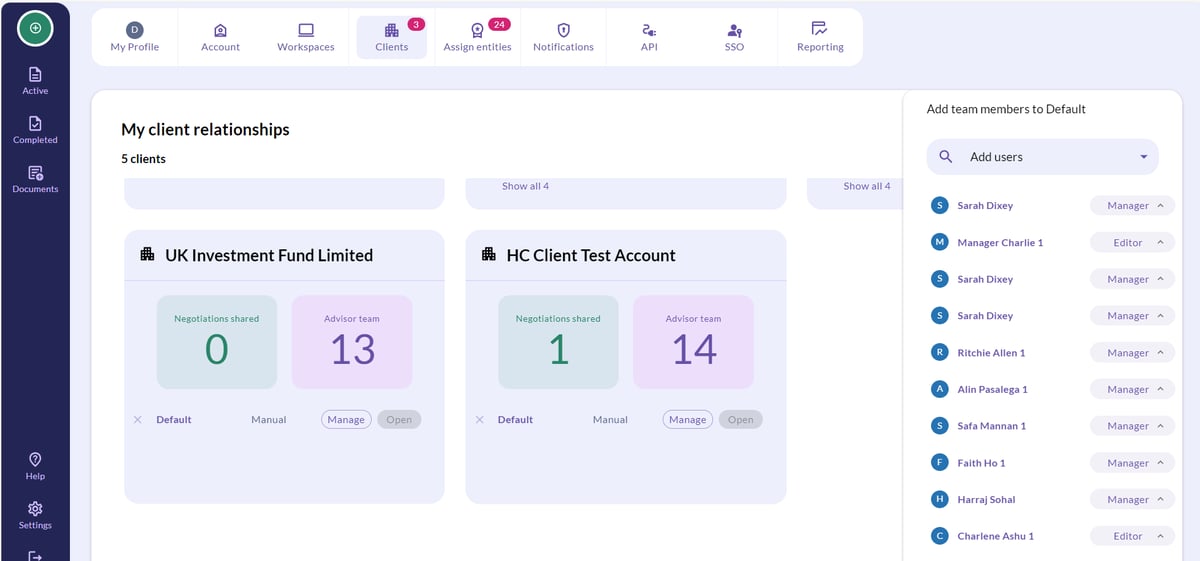
How to remove an advisor user
💡 An advisor user can only be removed by a Super Manager or Admin user on the Advisor account. The client does not have access to do this.
- Navigate to Settings (cog in the bottom left-hand corner).
- Click on Clients, displayed in the menu along the top.
- Click Manage next to the workspace you wish to remove a user from.
- A list of all of the users which can act on behalf of the advisor for this client will appear on the right-hand side of the screen.
- Click on the X beside the user's name to remove the advisor user.
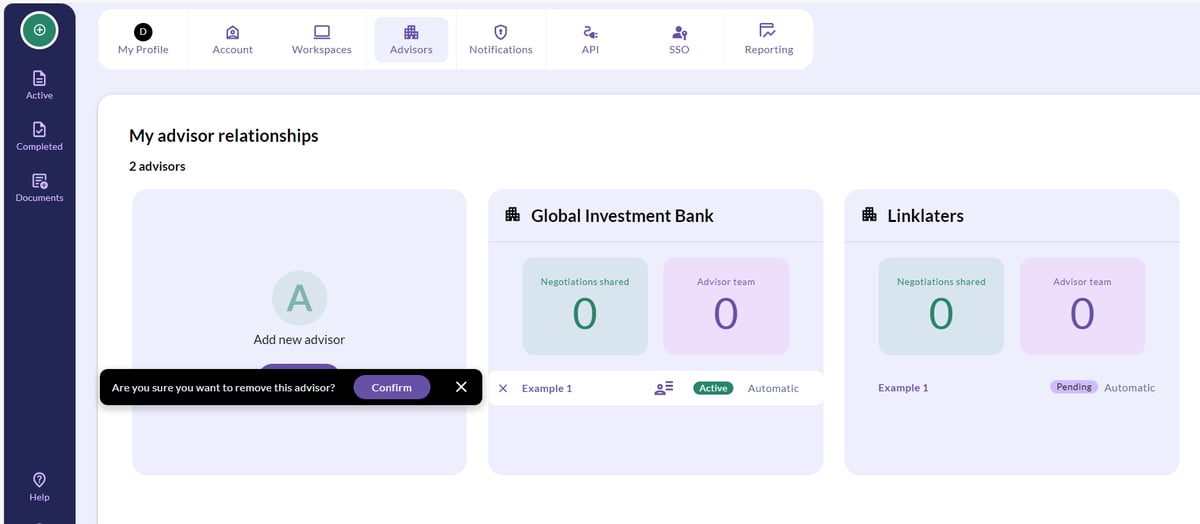
How to remove an Advisor from your account
As a Client, you can revoke access to CreateiQ for your Advisor at any time. This means that your Advisor (and all of their users) can no longer access your account.
To revoke all access for an advisor you'll need to follow the below steps for each workspace permissioned to your advisor.
Revoking Advisor access from individual workspaces:
- Navigate to Settings (cog in the bottom left-hand corner).
- Click on Advisors, displayed in the menu along the top of the page.
- Click the X button next to the workspace you wish to revoke their access from, and click Confirm.