
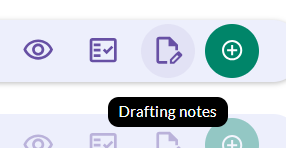
Drafting notes
These are internal notes for your team, and your advisory team, and are linked to the elections in your documents. You can also have external drafting notes which will be visible to your counterparty.
You can use these to provide guidance on how to populate specific parts of the document or include suggested drafting and fallbacks in relation to elections.
These are often used as part of the process of digitising contract playbooks on the platform and can be updated as the negotiation process progresses.
You can set up drafting notes for your document by going to Library > Drafting notes icon.
Once in the document, you're able to leave your drafting notes wherever there is a text box titled either Internal note or External note. When you're done, be sure to select Save.
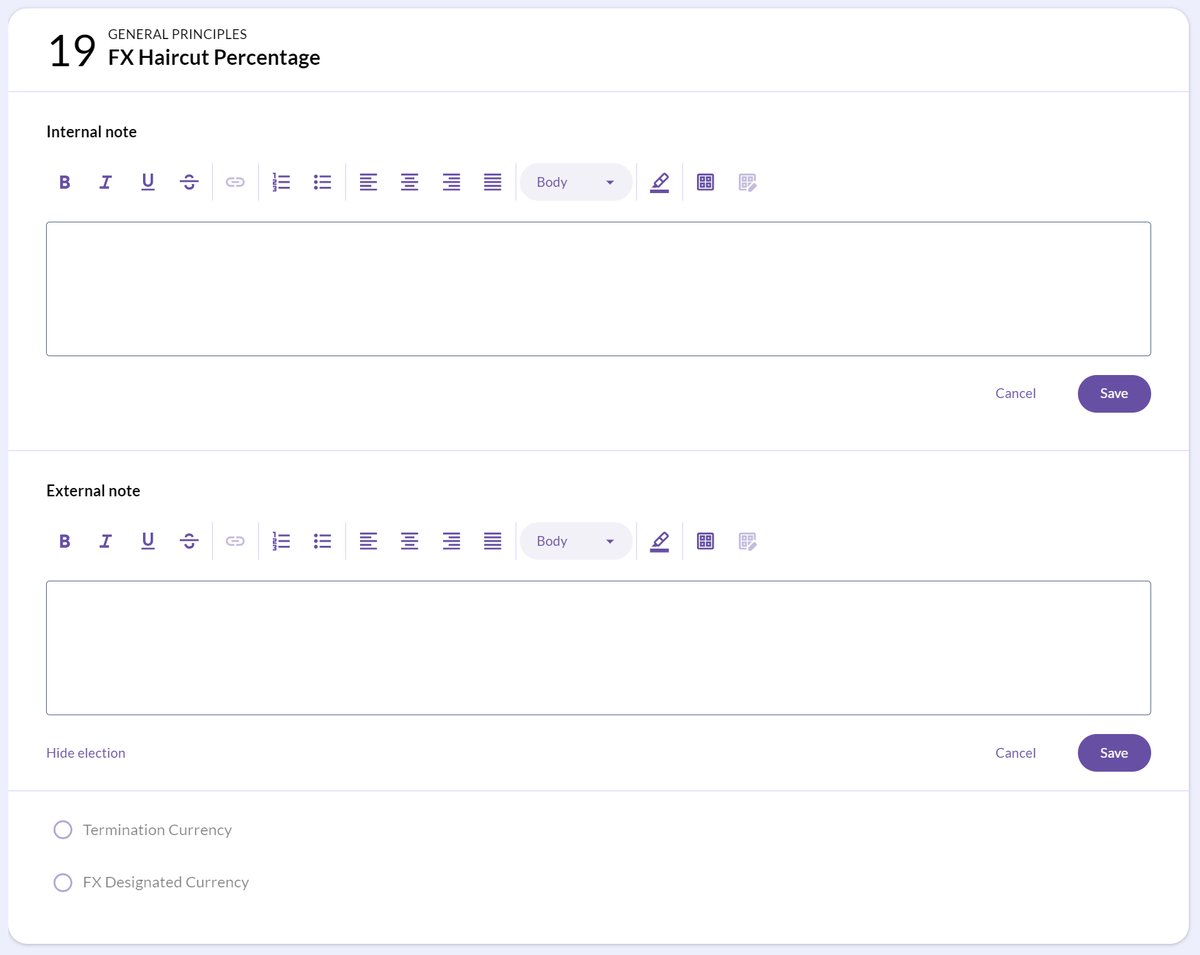
Drafting notes are added to the document itself and are visible each time the document is opened. They will remain visible until they are removed.
Drafting notes will appear in all ongoing negotiations as well as your templates.
Footnotes
Footnotes can be added to any part of a document, compared to just on an election. Footnotes are useful for citations or background information. A Footnote can provide a space to explain commercial rationale for a certain stance or provide guidance to the counterparty.
If you'd like more information on how the CreateiQ team can add footnotes to your digitised document, please contact us at support@createiq.tech.
💡 CreateiQ also has external and internal comments. For further information on comments, check out our article here. 💡