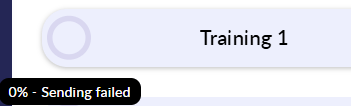
Draft:
You've started your negotiation and may even have populated your elections but you're yet to send the negotiation to your counterparty.

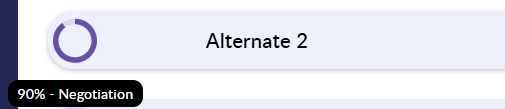
Negotiation:
Your negotiation has now been sent out to your counterparty, this will go back and forth between you and your counterparty until completion. The percentage indicates how close you are to execution.
Execution:
You and your counterparty have agreed your terms and are now awaiting the finalisation and signing of your negotiation. This stage will vary depending on the workflow you are using (Click here for the Custodian/triparty execution guide).

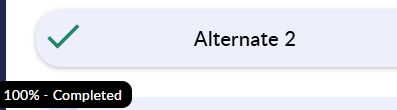
Completed:
Your negotiation is complete. Terms have been agreed and signature pages have been uploaded. You're able to find all of your completed negotiations from the 'Completed' tab.
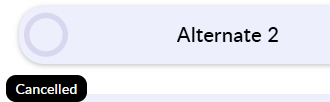
Cancelled:
This negotiation has been cancelled (deleted). These are no longer active and can also be found in the 'Completed' tab. When a negotiation is cancelled, you'll still be able to view the positions that were agreed/entered.
Sending Failed:
You have entered an incorrect email address so your negotiation was unable to be sent.